Template repair
How to Fix Roblox Clothing Template Seams
Fix Roblox clothing seams, white lines, or blurry edges by identifying the exact body edge where the problem appears, finding the two template panels that meet there, and aligning their edge colors or artwork at the original 585 × 559 canvas size. Add a small amount of matching color past the visible boundary when needed, keep key details away from folds, export as PNG without resizing, and retest the front, back, and side views.
Test your templateFind the broken edge on the Avatar
Do not start by randomly moving the whole design. Rotate the Avatar until the break is centered and name the affected area: torso side, shoulder, sleeve, waist, inner leg, or outer leg.
Toggle the seam overlay to keep the body center and major horizontal joins visible. Then compare the front, back, and side views to determine whether the problem is alignment, direction, or missing edge coverage.
Match the two panels that meet
For a source-edge mismatch, use the labeled Shirt or Pants template to trace both sides of the join before editing. A torso-front edge may meet a torso-side edge; a sleeve face may meet a different arm face than you expect. A line that changes only with distance or lighting needs a separate diagnosis.
If text or a logo is reversed, the issue is usually panel direction rather than position. Correct that one face instead of mirroring the entire template.
- Identify both neighboring faces
- Check left and right limbs separately
- Confirm front and back direction
- Keep essential details away from fold lines
Repair the edge without resizing
Work at the original 585 × 559 size. Align patterns across the two matching edges and extend flat color slightly beyond the visible region when a hairline gap appears. Avoid aggressive blur: it can hide the source edge while making the wrapped result look muddy.
Save a new revision so you can compare it with the previous preview. Repair only the affected edge first, rather than scaling or blurring the entire artwork.
Try a repair with the same source file
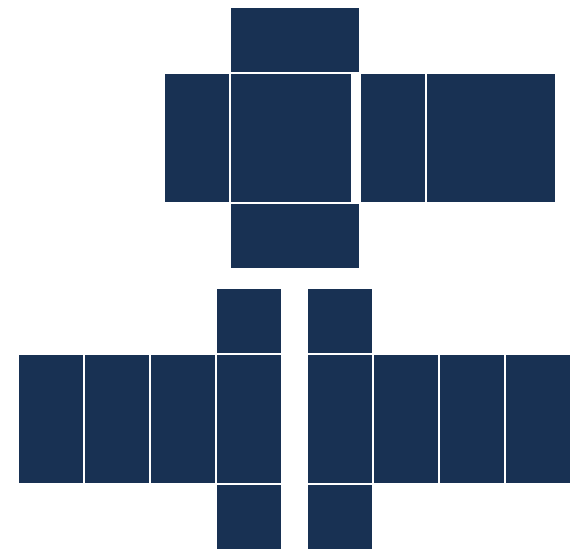
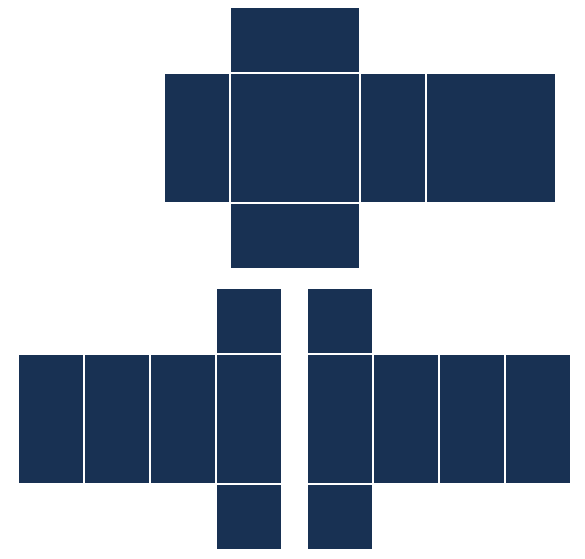
Download the practice Shirt below. It has an intentionally painted white strip along the rightmost eight pixels of TORSO FRONT; the other panels are navy. Load it as a Shirt, choose R6, and rotate slightly away from Front until the white edge is visible.
In your image editor, keep the canvas at 585 × 559. Replace that strip with the neighboring navy color, #183153. The selection starts at x 351, y 74 and measures 8 × 128 pixels. Export a new PNG, replace the Shirt in the tester, and compare from the same angle. The repaired download shows the intended result.
The pictures below show the actual before and after files on the same R6 view. This demonstrates a painted color mismatch, not an automatic repair or a diagnosis of every white line. If both source edges already match and the line appears only at a distance, this example does not establish the cause.
Retest the problem view first
Reload the corrected PNG and return directly to the angle that exposed the issue. Once that seam is clean, check the opposite side and switch rigs so the repair does not create a new break elsewhere.
Repeat the smallest possible edit-and-preview loop. The goal is not to make every guide line invisible; it is to keep intended colors, patterns, and readable details continuous where body panels meet.
Change the source edge. Keep the view.
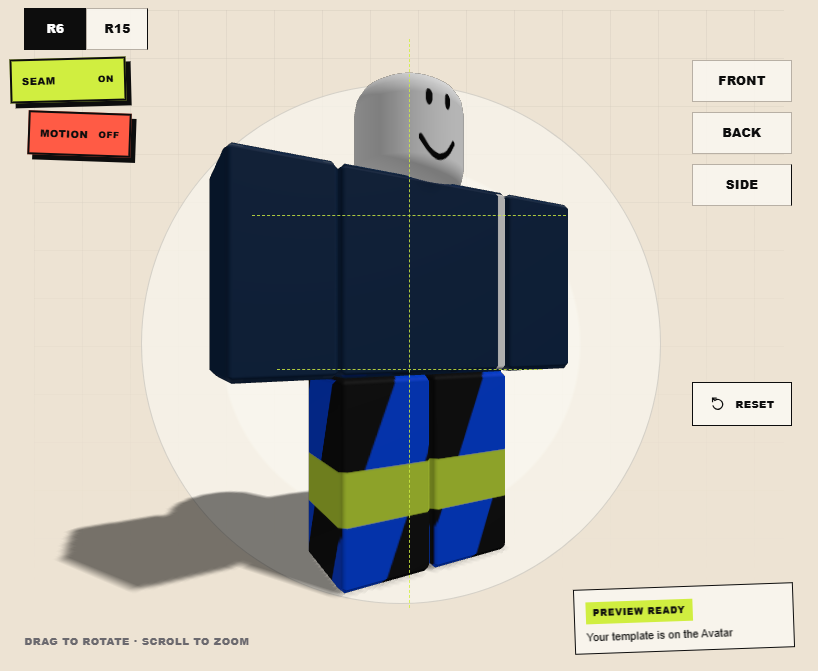
The practice PNG has an eight-pixel white strip on TORSO FRONT. It remains visible next to the navy side face.
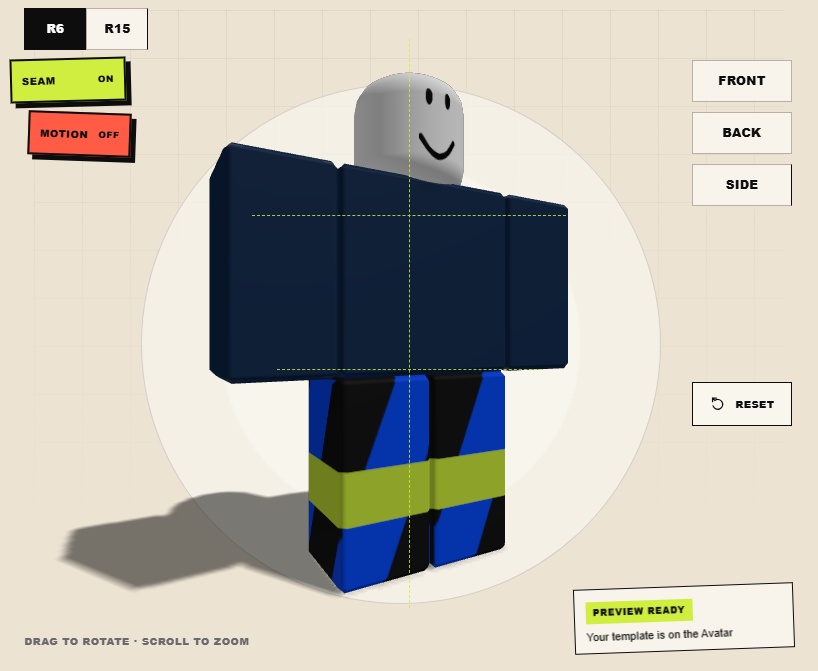
Replacing only that strip with #183153 removes this painted mismatch. The rig, camera, and canvas dimensions stay the same.
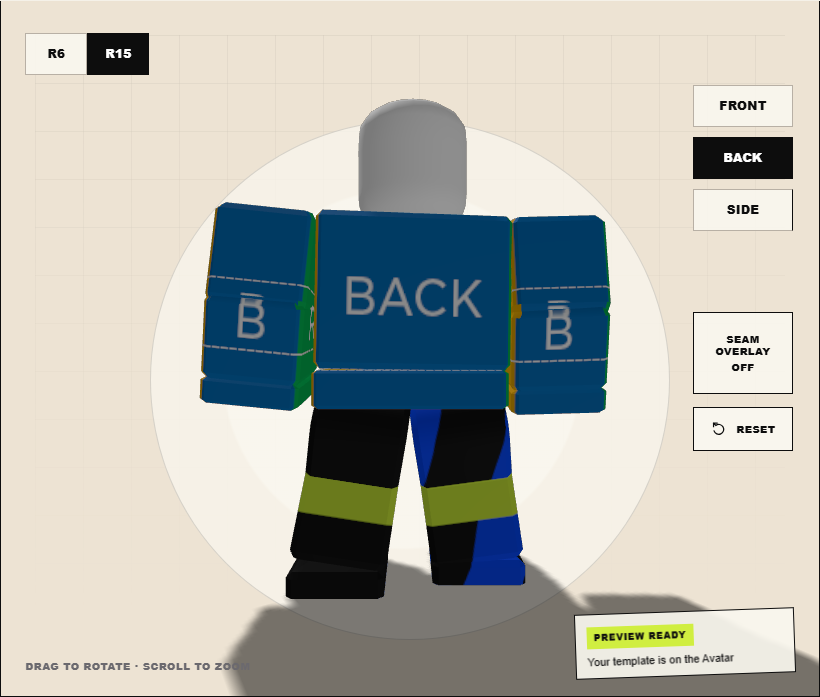
The labeled reference map helps locate body faces; this is a separate inspection example.
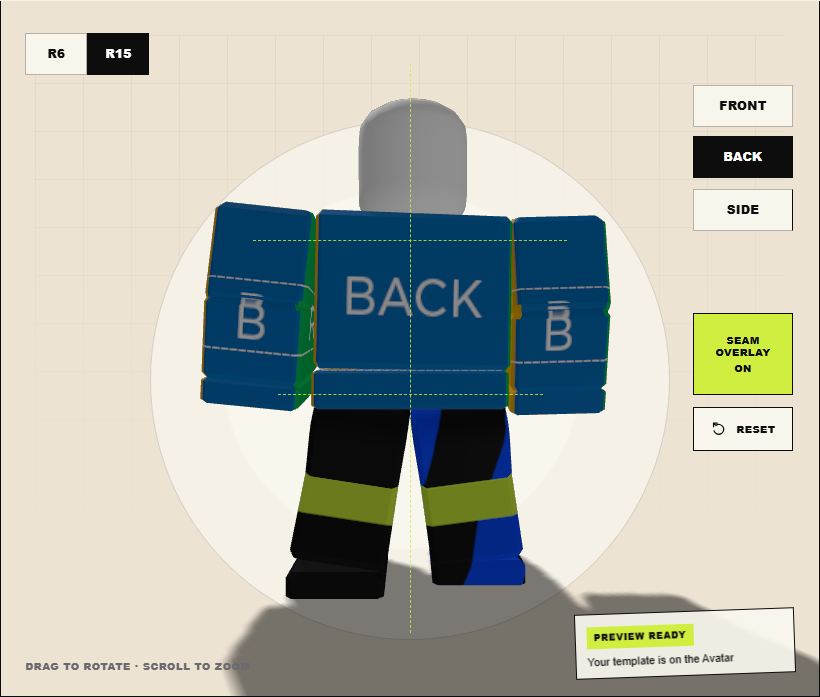
The overlay adds body reference lines. It does not modify or repair the source PNG.
Correct versus wrong
Neighboring faces share matching edge color, key artwork sits inside the safe area, and the seam remains clean from front, back, and diagonal views.
The whole image is blurred or resized, the wrong face is mirrored, or only the front view is checked after the edit.
Questions creators ask
Why is there a thin line at a Roblox Shirt seam?
The neighboring template edges may use different colors or leave a transparent gap. Match the edge colors and add a small amount of safe bleed at the original canvas size.
Why are there white lines on my Roblox clothing?
A transparent gap or a painted color mismatch can produce a visible line. Inspect both source edges at the original size and compare the corrected PNG from the same view. If the source already matches and the line only appears at some distances, do not assume it has the same cause as the painted-edge example.
Why is my Roblox clothing template blurry or pixelated?
Common causes are resizing the 585 × 559 canvas, repeatedly scaling small artwork, or using blur to hide a seam. Return to the original-size source and export directly to PNG.
Why is one sleeve backwards?
Left and right arm faces have their own orientation. Check the labeled template and correct the affected face instead of mirroring the entire image.